Believe it or not, a Christmas tree won't stay upright on its own. Instead, you need a stable Christmas tree stand that can accommodate the type and size of tree you have. We researched dozens of the best Christmas tree stands to help you find the right one for your needs, whether you have a real tree, an artificial tree, a small tree, or a behemoth. The stands in our guide have a track record of durability, performance, and easy setup. We also outline the size and type of tree each stand is meant for. Check out our guide to the best Christmas tree skirts once you've chosen the right stand for your tree. The best Christmas tree stands in 2022 Best Christmas tree stand overall: Krinner Tree Genie Christmas Tree Stand, available at Amazon, $82.79 The German-engineered Krinner Tree Genie Christmas Tree Stand is easy to set up in a couple of minutes and keeps trees up to 12 f...
Get link
Facebook
X
Pinterest
Email
Other Apps
Delete These Malware Apps From Your Android ASAP
Get link
Facebook
X
Pinterest
Email
Other Apps
Photo: Proxima Studio (Shutterstock)
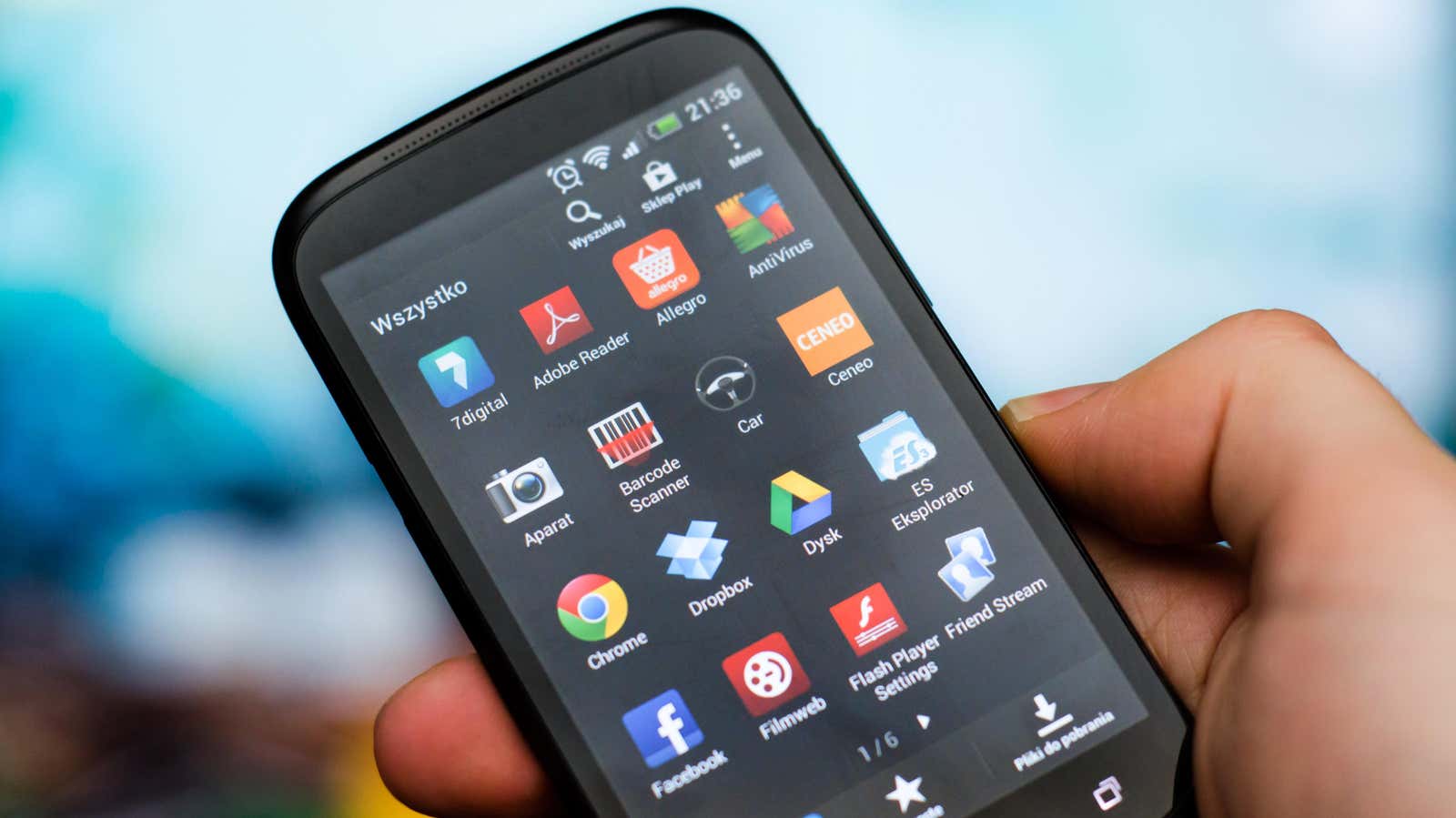
It’s unfortunate how often we hear about apps containing malware on Google’s platform (not that they’re alone with a malware problem). Each time we learn about new trojans, it’s a reminder to stay diligent when downloading new apps. This time, the newly-discovered apps have over two million downloads combined, meaning a lot of devices have been compromised.
Cybersecurity Doctor Web discovered a trojan on the Play Store by the name of “Fast Cleaner & Cooling Master.” This app purported to be for OS optimization, claiming to improve the performance of Android on your smartphone. Instead, the app secretly communicates with developers through Firebase Cloud Messaging or AppMetrica Push SDK, display ads on victims’ smartphones, or use those devices as proxy servers. If you had the app installed on your Android, for example, third parties could route their traffic through your device.
This app had less than 1,000 downloads, which, while not ideal, isn’t a huge malware breakout. However, Doctor Web also discovered other trojans using Firebase Cloud Messaging to communicate with their developers, this time used to load specific websites. They discovered three apps that fit the bill here: “Volume, Music Equalizer” with 50,000 downloads, “Bluetooth & Wi-Fi & USB” driver with 100,000 downloads, and “Bluetooth device auto connect” with one million downloads. Bluetooth device auto connect advertised itself as a solution for improving your Bluetooth connection, as well as providing an automatic connection to Bluetooth devices so that you could theoretically bypass Android’s Bluetooth settings menu every time you wanted to join.
“Bluetooth device auto connect” isn’t the only trojan with that many downloads. “TubeBox” also had over one million downloads alone, likely because it pulled people in as an easy way to make money. Users would only need to watch videos with ads in the app, which would theoretically generate coins and coupons that they could later redeem for real money. The problem was that no one could actually redeem their credits due to “problems reported by the app.” As you might guess, the app never intended to payout any money to users. Instead, developers pocketed all ad revenue generated from users’ viewing history for themselves. While we don’t have stats on those numbers, the fact the app was download more than one million times means the scammers likely walked away with a good chuck of ad money.
Protect yourself from malware apps on Google’s Play Store
Unfortunately, Google doesn’t have any type of alert to suggest an app you’re looking at is potentially malware. Once they approve an app, it appears in the store like any other, until Google learns something about the app to have it taken down. However, there are steps you can take to keep yourself and your device safe.
G/O Media may get a commission
First off, always inspect an app’s Play Store page in full before downloading it. Does the app’s name make sense? “Bluetooth & Wi-Fi & USB” is a terrible name for an app, and screams malware to me. Next, check the graphics and app description. Does everything seem carefully designed and well put together? Does the app’s description match the intended use? Are things misspelled or poorly written? Those can be big red flags.
Reviews are a big help, too. Often, users who download malware complain about the app’s effects on their phone. You might see negative comments about the number of ads users are served, how slow it makes their phone, or how the app doesn’t do anything it’s intended for. If you see enough of these warning signs, you should stay away.
Believe it or not, a Christmas tree won't stay upright on its own. Instead, you need a stable Christmas tree stand that can accommodate the type and size of tree you have. We researched dozens of the best Christmas tree stands to help you find the right one for your needs, whether you have a real tree, an artificial tree, a small tree, or a behemoth. The stands in our guide have a track record of durability, performance, and easy setup. We also outline the size and type of tree each stand is meant for. Check out our guide to the best Christmas tree skirts once you've chosen the right stand for your tree. The best Christmas tree stands in 2022 Best Christmas tree stand overall: Krinner Tree Genie Christmas Tree Stand, available at Amazon, $82.79 The German-engineered Krinner Tree Genie Christmas Tree Stand is easy to set up in a couple of minutes and keeps trees up to 12 f...
Stored procedures: like functions for your SQL. A stored procedure is a batch of SQL statements created and stored on a database. You can reuse a stored procedure over and over again. A stored procedure can accept parameters, run a query, and return results. Many users can call a stored procedure and different applications can call it with different parameter values. What Are the Benefits of Using Stored Procedures? Apart from allowing multiple users and applications to reuse it, a stored procedure has other benefits. It is easy to modify. You can change a stored procedure when necessary and these updates will be reflected for all users. Furthermore, you don’t need to redeploy your application when you modify the stored procedure. It reduces network traffic because the server only passes the procedure’s name over the network and not the entire query. It improves database security since users don’t have direct access to tables. To make...
I recently watched “ the greatest film of all time ,” and the most boring one. In retrospect, the title alone should have been a sufficient warning: Jeanne Dielman, 23 Quai du Commerce, 1080 Bruxelles . Alas, I’m old enough to be a bit nostalgic about massive telephone address books. And massive it is. Clocking over 200 minutes, Chantal Akerman's 1975 dreary drama follows three days in the monotonous routine of Jeanne, a widow, a mother, and a prostitute. I watched Jeanne’s autopilot existence, until, staring at her back as she washes dishes, I decided to fast-forward a couple of minutes, only to discover she was still at it. And Jeanne is equally thorough when she’s busy baking, cleaning, folding laundry, or shining her son’s shoes. She speaks so scarcely and mechanically, that it’s impossible to detect any emotion or volition beyond her carefully controlled chores . Watching Jeanne Dielman is what the word “painstaking” was invented for. Chantal...




Comments
Post a Comment